High-detail Creative for Reflective Products. Built for jewelry teams.
Move from one clean product shot to close-ups, styled scenes, on-model imagery, and ad-ready motion without rebuilding a delicate lighting setup for every piece.
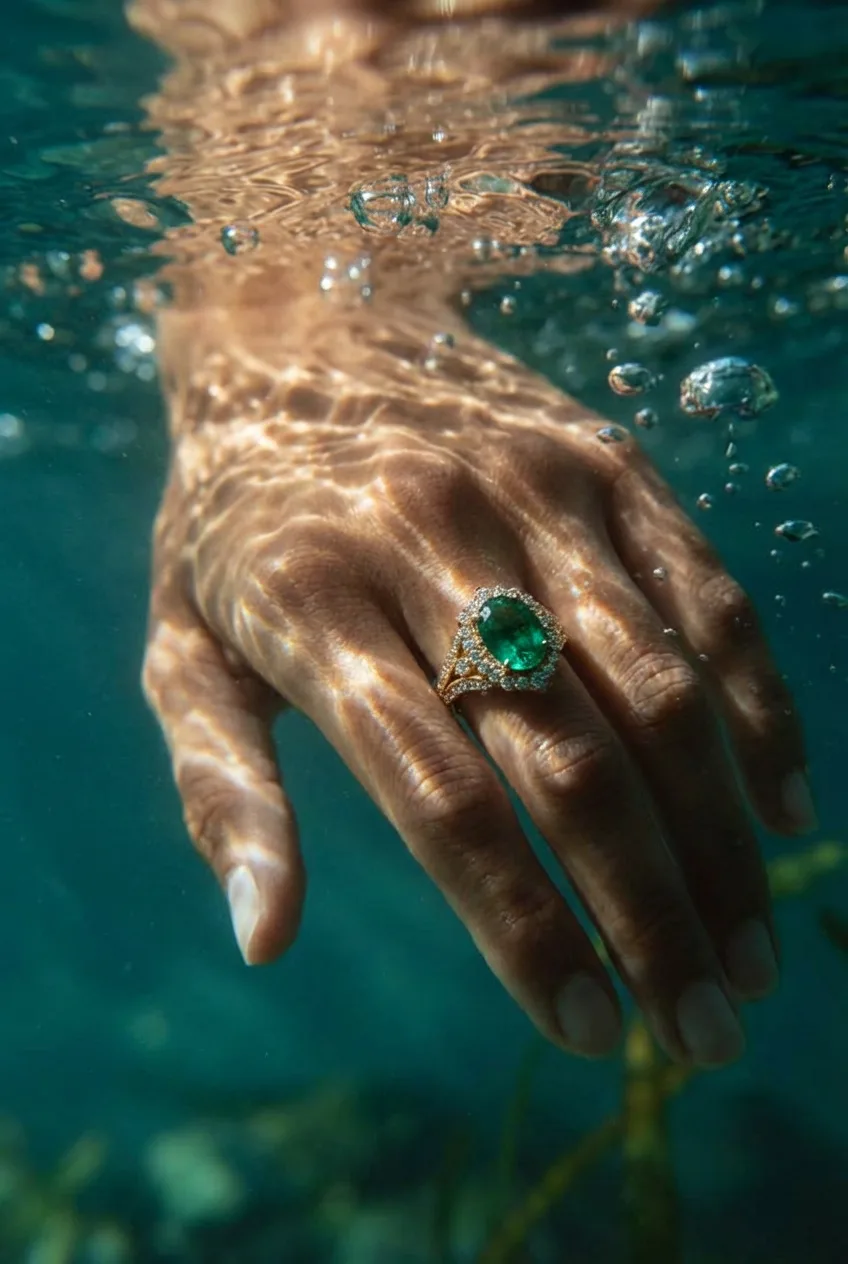
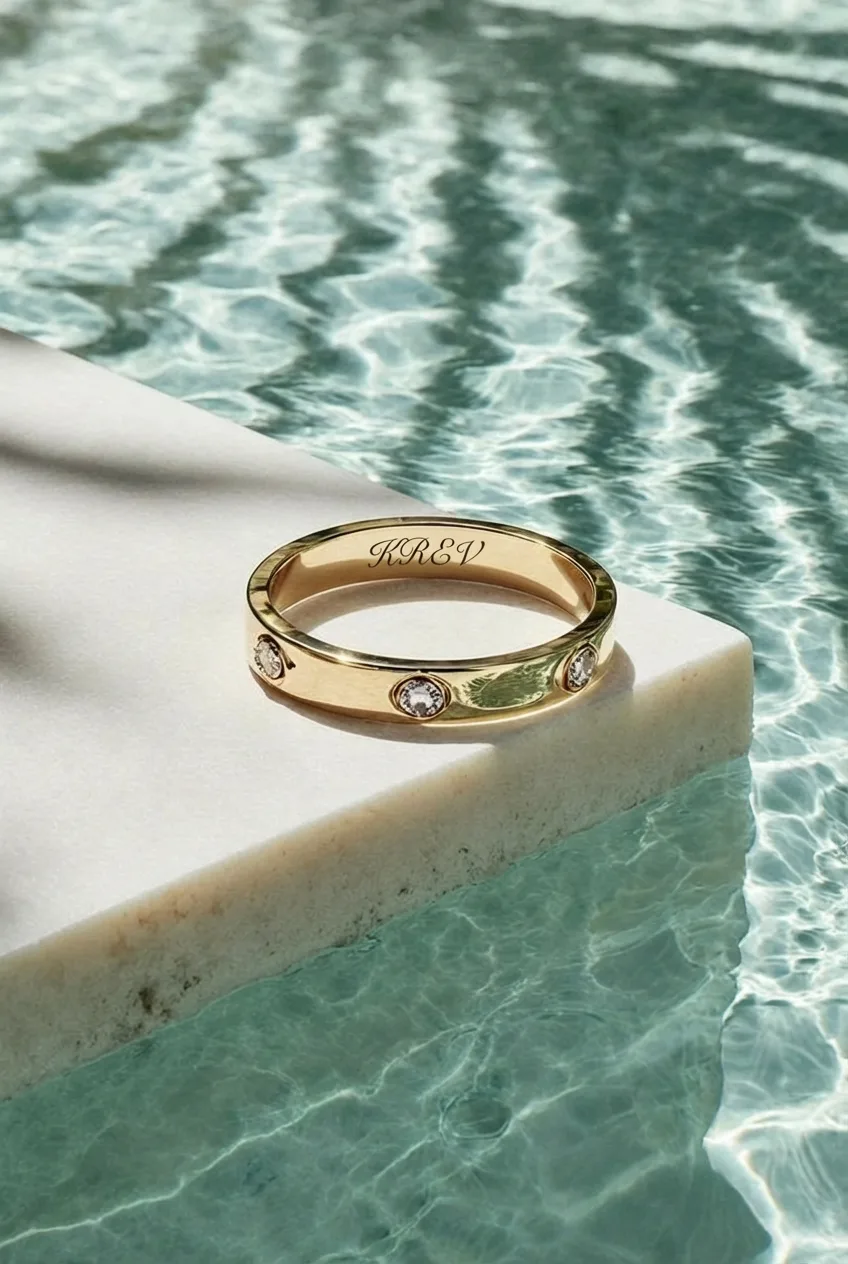
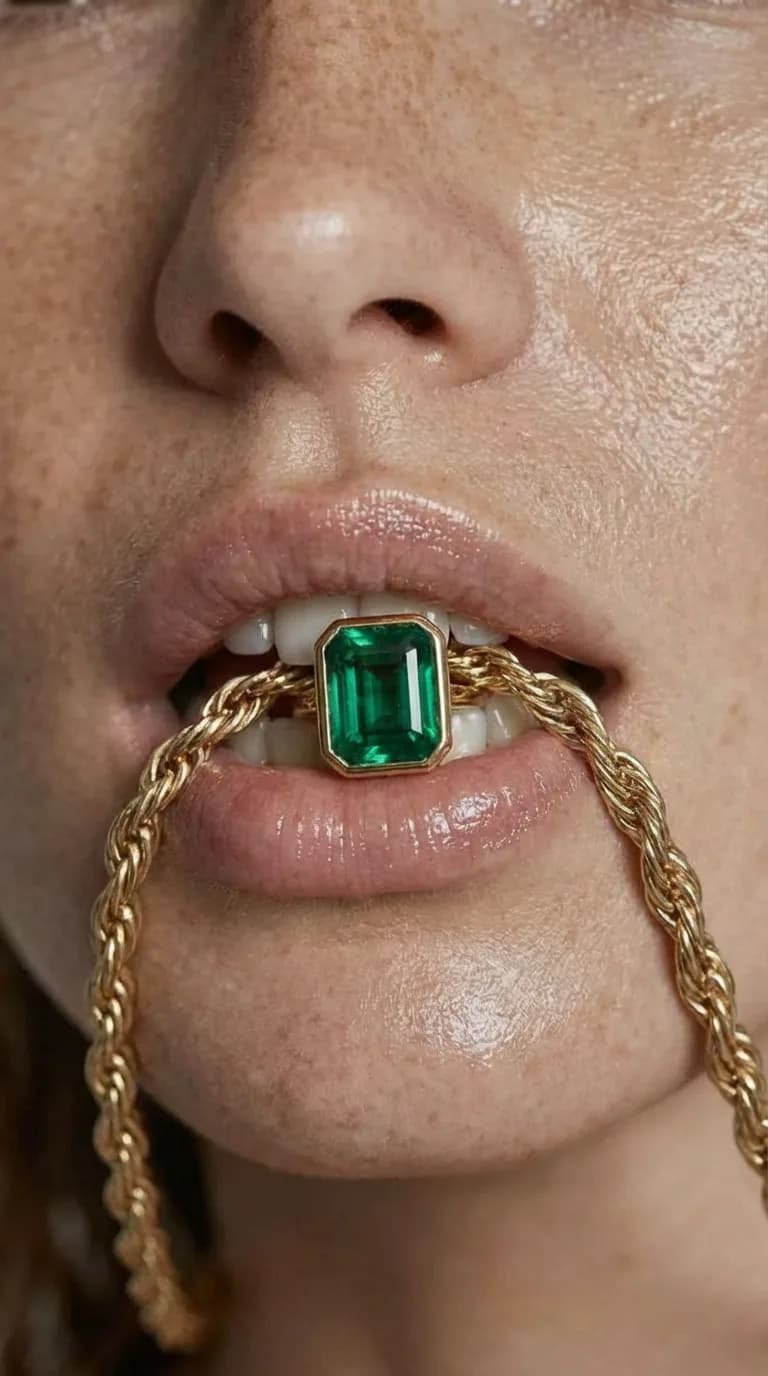
How teams use Krev
From the assets you already have to creative you can actually ship.
Each page below follows the same real job: bring in the source material, set the direction, and export a pack that works across listings, ads, and launch moments.
Start from one clean source shot
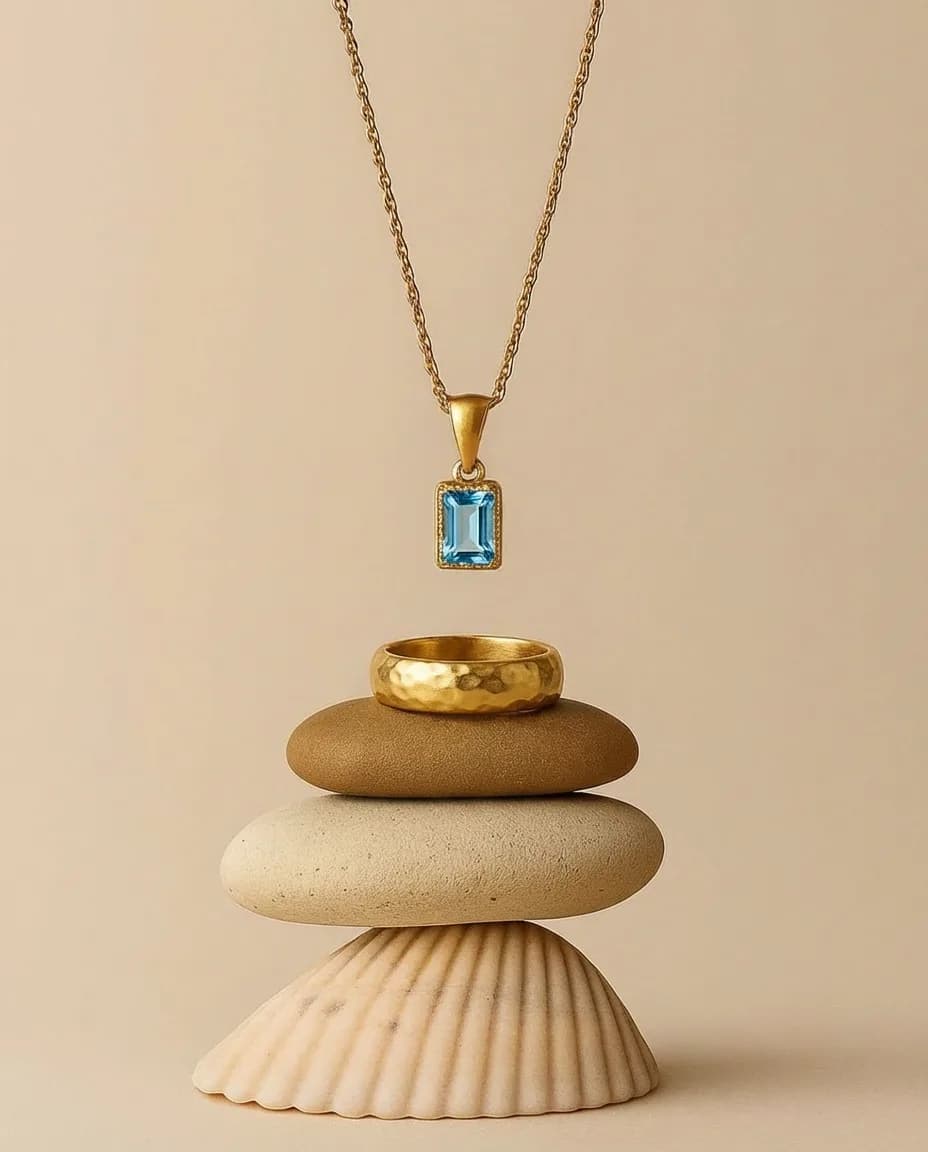
Use one clean product image as the base for detail views, styled scenes, and campaign variants.
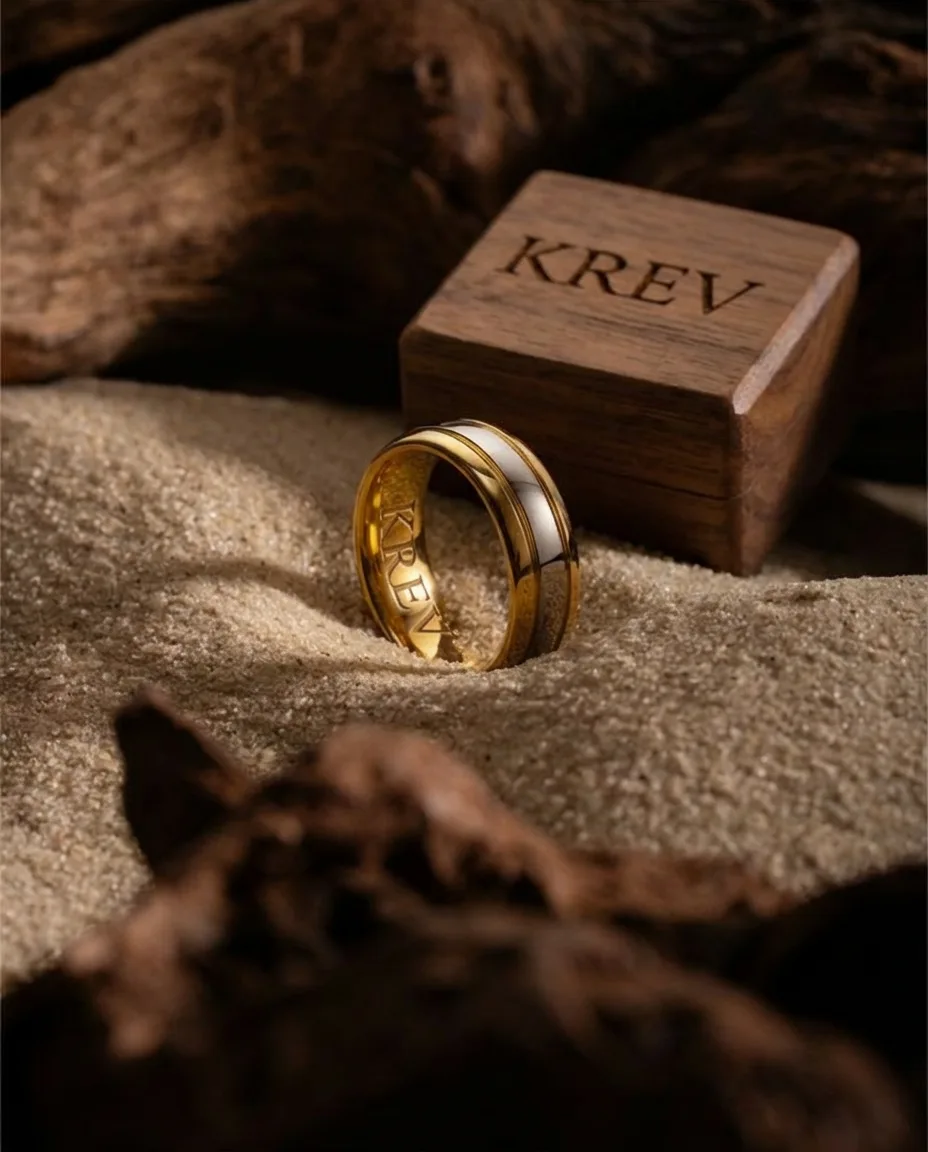
Choose the presentation
Set the scene, crop, and presentation direction so the output fits the collection, the channel, and the customer moment.
Build the asset set
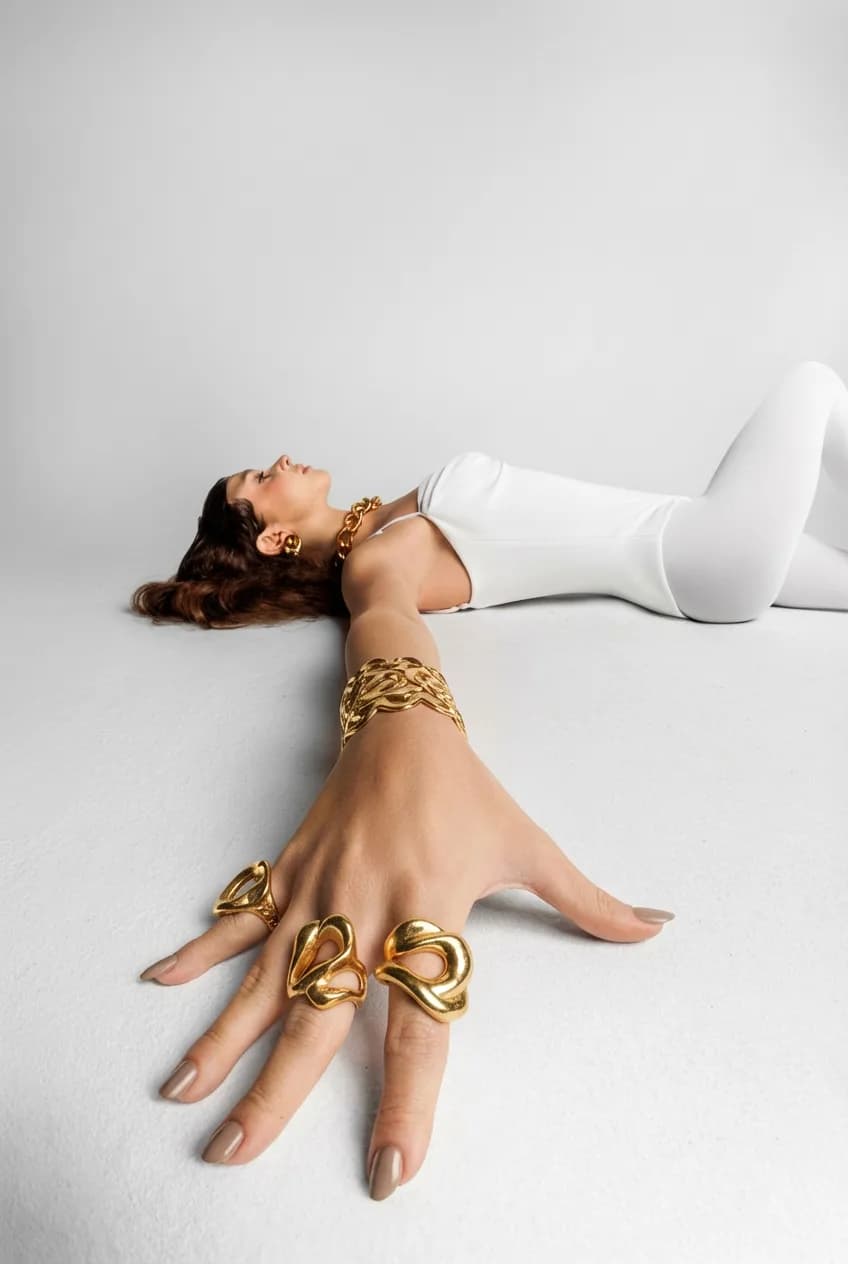
Generate close-up, styled, and on-model variants for PDP, launch creative, and short-form campaign use from the same source.
More room to ship
What this unlocks once the workflow is in place
The output is not just one better asset. It is having enough usable creative to keep campaigns, listings, and launches moving.
Yes
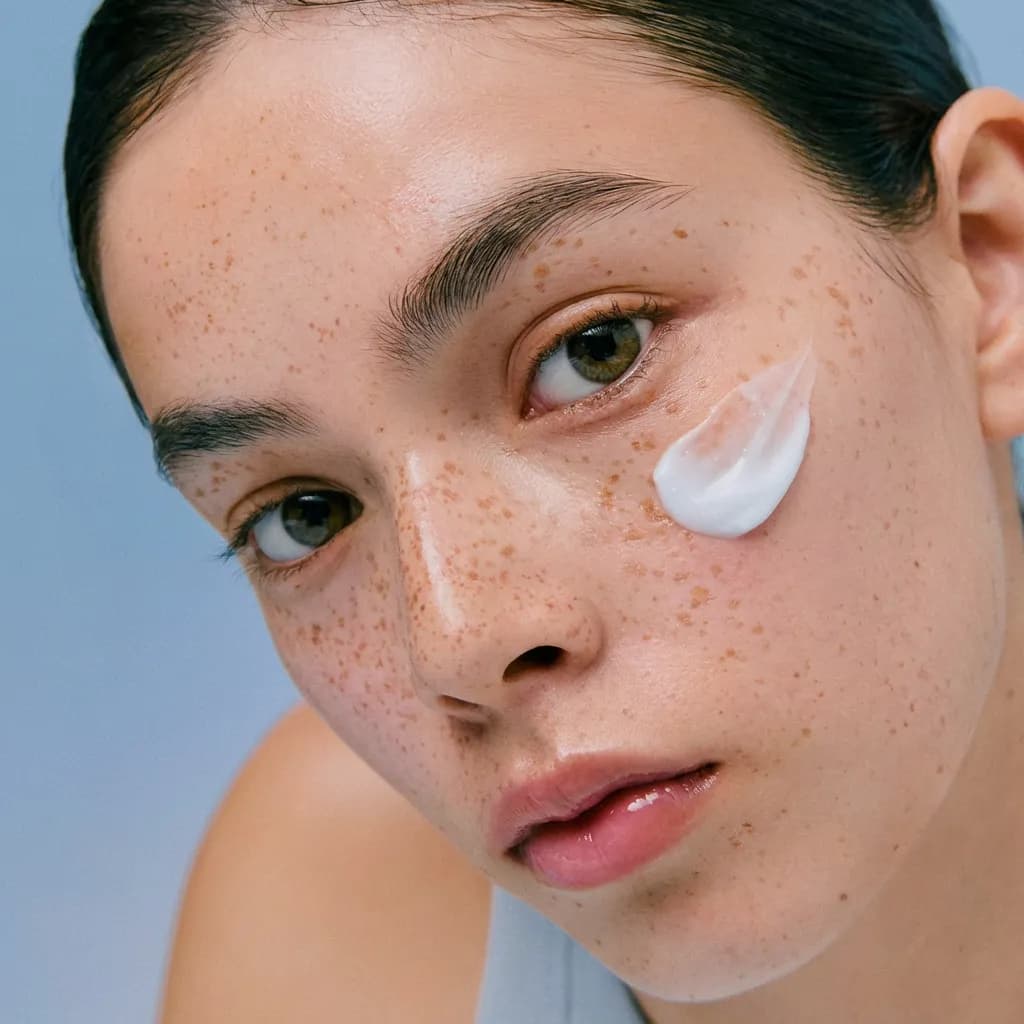
On-model shots
More usable views
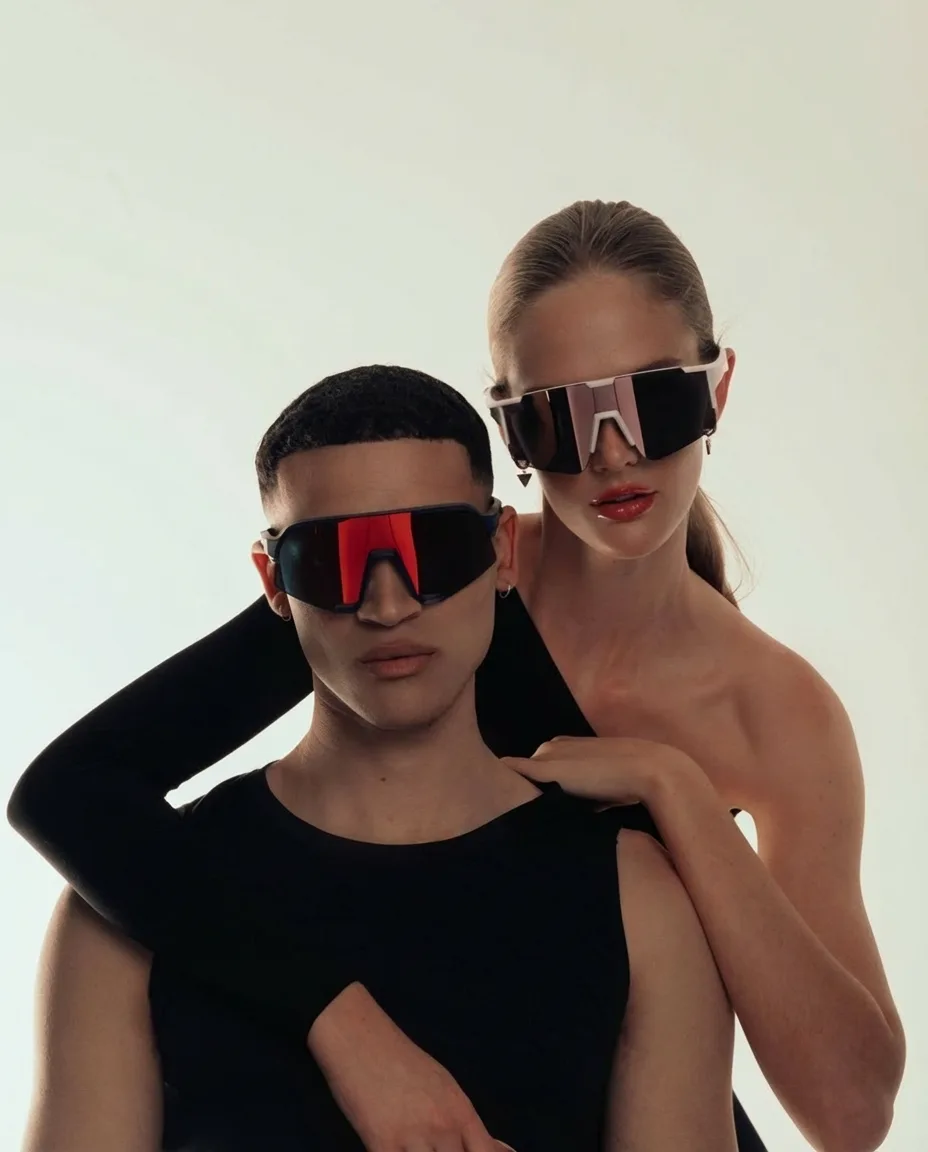
Build more angles and crops from the same source image so each product has a fuller asset set.
Video ads and motion
Use still outputs as the base for short-form ad creative and campaign assets when motion is part of the launch mix.
Yes
Video ads
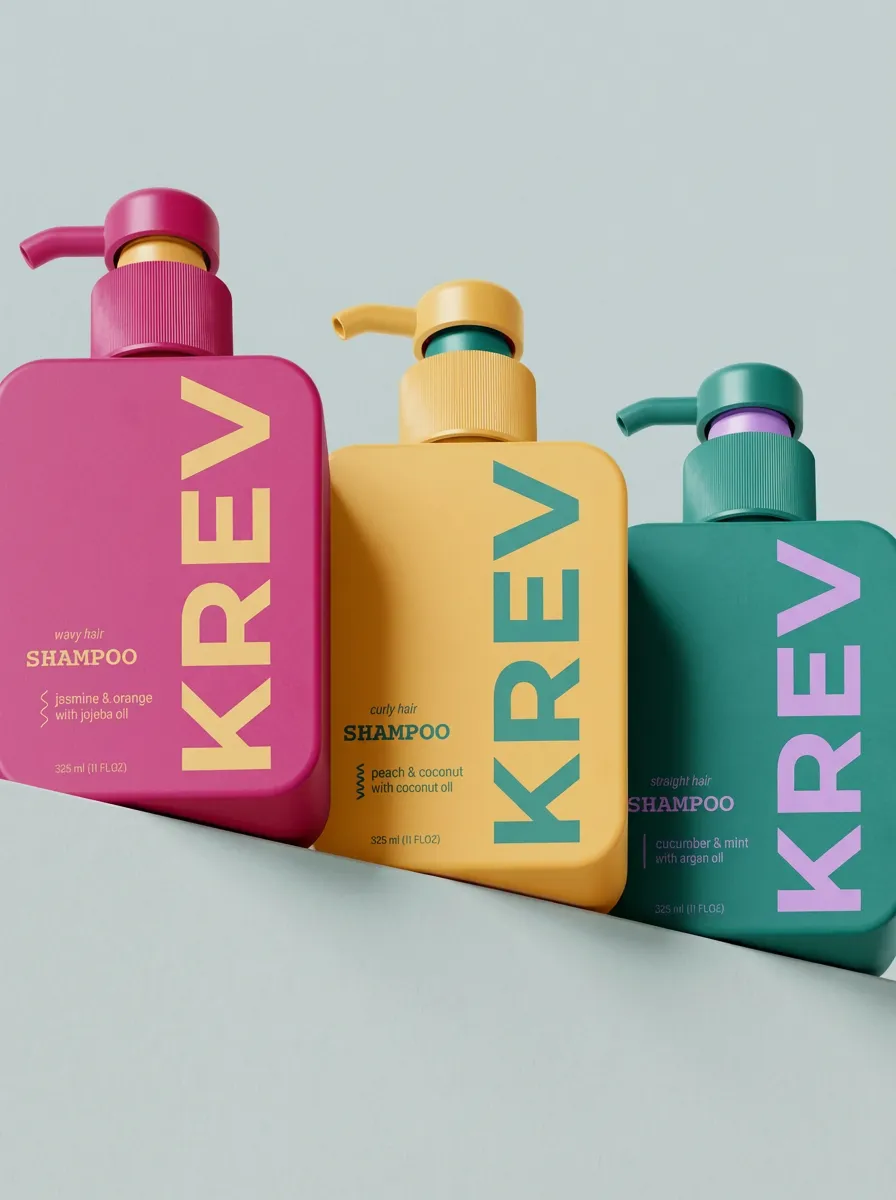
Collection consistency
Keep lighting, scene direction, and presentation tighter across a collection instead of treating each piece separately.
Why reflective categories need a tighter asset workflow
See the tradeoffs side by side
Jewelry teams spend too much time solving the same production problem, getting enough usable views and ad creative for reflective products without rebuilding the setup for every piece.


Cost
Speed
On-model
Angles
Surfaces
Cohesion
Scenes

Krev
Studio shoot
Freelancer
In-house team
AI tools
Swipe to see more features →
