 Get started with Krev


Step 1
Create your Krev account
Sign up, pick your plan, and Krev learns your brand and products.


 6 AI employees, one connector
Krev tracks 3 million+ ads from 25,000+ brands. Your AI finds what converts in your niche, makes photos, video, and ads to match, and runs your campaigns, social, and store.
Get started with Krev Krev
KrevAlso works with Codex, Cursor, and any MCP client.
Trusted by 3,000+ ecommerce brands, agencies, and founders.
Without Krev
Your AI is guessing.
Guesses at which ads will work
Can't create photos, video, or ads from your products
No eyes on your ad account
Can't post, schedule, or edit your store
With Krev MCP
Your AI knows what sells.
3 million+ ads from 25,000+ brands to search and learn from
Studio-quality photos, video, and ads built on angles that sell
Campaign fixes and budget moves you approve in chat
Social posts and store edits, drafted and ready
Get Started in 2 Steps
Step 1
Sign up, pick your plan, and Krev learns your brand and products.
Step 2
Paste one line into ChatGPT, Claude, Codex, or Cursor. Your app reads Krev's setup guide, connects, and checks everything works. Sign in with your Krev account when it asks.
Setup instruction
Set up Krev MCP for this project. Read https://www.krev.ai/agent-quickstart.md and handle discovery, configuration, and tool verification.
Brief any specialist from ChatGPT or Claude. Each bot owns its work in a persistent conversation you can also continue in Krev.

Tell Toshi what to change and it happens on your Shopify store. A new hero, sharper copy, a sale banner, a fresh layout. You preview every edit before it goes live.
"Tighten my homepage hero copy and add a summer sale banner."

Product photos, UGC videos, and ads made for your brand. Luna learns your style and products, then creates on-brand content you can post or run straight away.
"Make 5 ad images for my collagen powder using the angles that are winning in my niche."

See what the brands you compete with are running right now. Scout tracks their ads, hooks, offers, and best sellers, and shows you the angles worth borrowing.
"Find static ads in the gut health niche that have run 30 or more days, and tell me why they work."

Kai reads your Meta results every day, flags ads that are fading, and tells you what to pause, fix, or scale. Approve the changes and Kai applies them.
"Where did I waste ad spend this week? Propose the fixes."

A full calendar of posts, captions included. Chloe drafts each post, schedules it to Instagram, TikTok, and Facebook, and helps reply to comments and DMs.
"Draft next week's Instagram posts from my new arrivals."

Show up when shoppers search and when they ask AI. Max sharpens your listings, writes buying guides that bring shoppers in, and gives AI assistants the facts to recommend you.
"Check my bestseller's page for search issues, then draft a buying guide that links to it."
One connection, every tool. Search the ad library, research competitors, create product content, manage ad campaigns, and run social, all from the chat you already use.
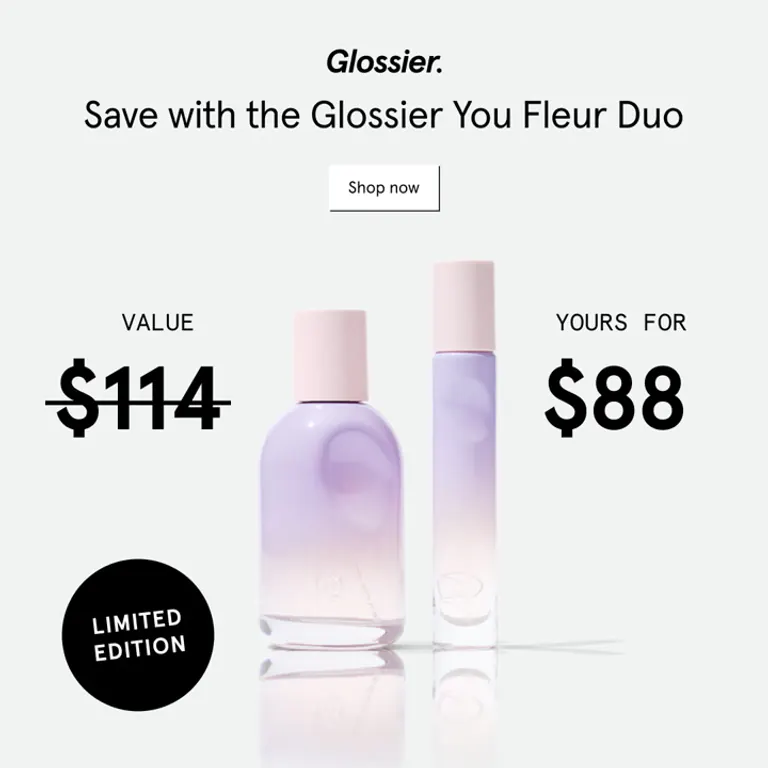
“Save with the You Fleur Duo”
Running 64 days
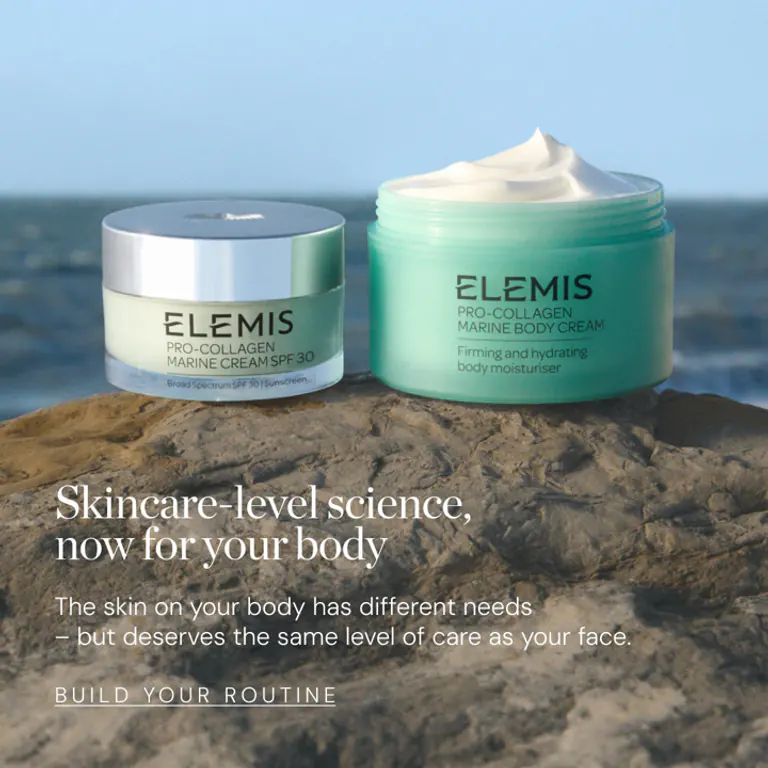
“Skincare-level science for your body”
Running 41 days

“Built for the long run”
Running 58 days

“There's an art to it”
Running 33 days

“Dinner for one, sorted”
Running 55 days

“Runner's high, every morning”
Running 49 days
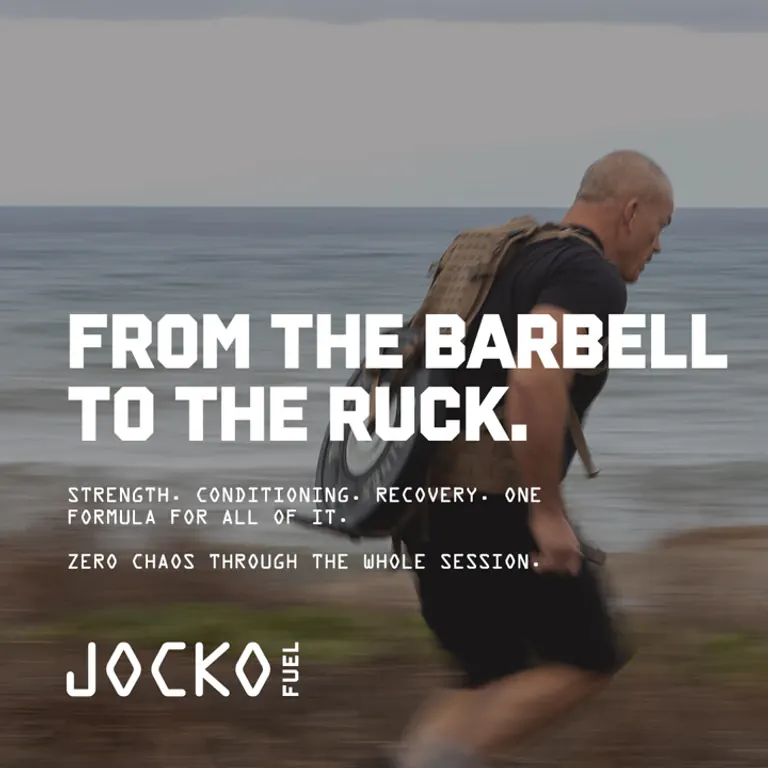
“From the barbell to the ruck”
Running 36 days

“Heading on summer vacay”
Running 72 days
How the Krev MCP server works in Claude, Claude Code, ChatGPT, OpenClaw, Hermes, and any MCP-compatible client.
It gives the AI chat you already use a marketing team for your store. Ask for winning ads in your niche, product photos and videos, a read on your Meta ads, next week's social posts, or a change to your homepage, and Krev does the work from inside the chat.
No. Create your Krev account, then pick your app above and paste one link or one line into it. Sign in with your Krev account when it asks and you are done. Most people are connected in two minutes.
ChatGPT, Claude, Codex, Cursor, and other apps that support remote MCP connections. With bot conversation access enabled, your client can continue work in the same conversations you see in Krev.
Yes. Connect your store once and Krev learns your products, your brand style, and your voice. Every photo, ad, post, and store edit stays on brand without you re-explaining your business each time.
Live ad-account changes and social publishing require your approval of the specific action. Requested store edits change the selected unpublished theme, which you preview before publishing. Generating media uses your credits.
Krev's MCP is included on the Team plan and above. Bot conversations use no credits, and generated media uses your media credits, as in the Krev app. Your account shows the current balance and limits.
You approve each app's permissions in Krev. Bot conversation access lets that app read your bot history and shared context; domain permissions control the actions it can request. You can revoke a connection in Settings. Never paste passwords or access keys into a chat.
Ask your chat to read Krev's setup guide and it will walk you through it, or message our support team from the app. We will get you connected.
Connect your store once. Krev's team creates the photos, videos, ads, and posts. One context, every job.

Animated walkthrough of the Krev app: asking Chief of Staff for a month of launch posts for a new product while Chief coordinates Luna and Chloe, approving the drafted social calendar in one click, opening a relevant handbag brand in Discover, then asking Chief for ads built on that brand, which Scout, Luna and Kai turn into staged Meta and TikTok campaigns that get approved.
© 2026 Krev. All rights reserved.


 Crescent Co.